IPTV Buffering: 7 Powerful Fixes to Eliminate Streaming Issues Fast (2026)
IPTV buffering is one of the most frustrating problems when trying to enjoy live TV, movies, or sports online. Frequent loading, sudden pauses, and video freezing can quickly ruin your streaming experience. If your IPTV service is not performing as expected, the issue is often easier to fix than you think. In this guide, we break down the real reasons behind IPTV buffering and show you how to fix streaming issues effectively for a smoother viewing experience.
What Does IPTV Buffering Mean?
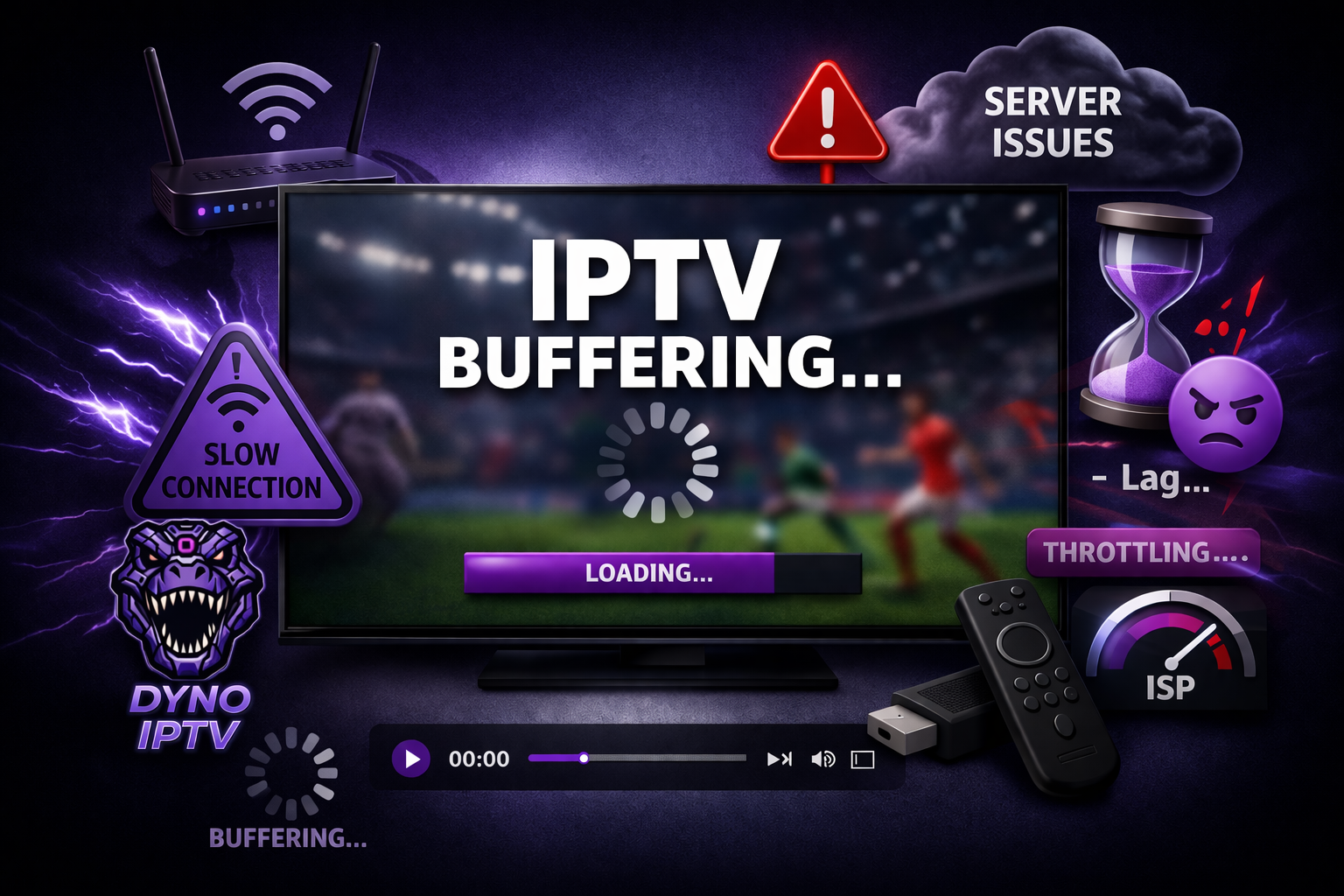
IPTV buffering occurs when your streaming device cannot receive data quickly enough to play content in real time. This leads to interruptions such as loading screens, delays, or playback pauses. Whether you’re watching live channels or on-demand content, these interruptions usually point to connection, device, or server-related issues.
Common Reasons Behind Streaming Issues
Understanding what causes IPTV buffering is essential before applying any fix.
Internet Speed Limitations
A slow or unstable connection is one of the main causes of playback interruptions. Streaming high-quality content requires consistent bandwidth. For optimal performance, at least 10 Mbps is needed for SD, around 25 Mbps for HD, and 50 Mbps or more for 4K streaming. Anything below this can lead to noticeable lag.
Weak Wireless Connection
If you rely on Wi-Fi, signal strength plays a major role. Being too far from your router or having obstacles between your device and the signal source can result in unstable streaming and frequent interruptions.
Device Performance Issues
Not all devices handle streaming equally. Older hardware or devices running too many apps may struggle to process IPTV streams efficiently, leading to freezing or slow response times.
Incorrect App Configuration
Streaming apps need proper settings to perform well. Poorly configured buffer sizes or outdated versions can negatively impact playback and cause interruptions.
Provider Server Quality
Sometimes the issue comes from the IPTV provider itself. Weak infrastructure or overloaded servers can result in channels not loading properly or constant buffering, regardless of your setup.
Network Throttling
Some internet providers limit streaming traffic during peak hours. This can reduce your streaming quality even if your connection appears fast.
How to Fix IPTV Buffering Effectively
Here are the most reliable ways to improve your streaming experience and reduce interruptions.
Improve Your Internet Connection
Make sure your connection meets the requirements for your streaming quality. Upgrading your internet plan can significantly reduce buffering and improve overall stability.
Switch to a Wired Connection
Using an Ethernet cable instead of Wi-Fi provides a more stable connection. This reduces signal drops and ensures smoother playback.
Restart Your Equipment
Restarting your router and streaming device can fix temporary issues and refresh your connection, often resolving buffering problems instantly.
If you’re using a Firestick, this step-by-step IPTV installation guide explains how to set everything up for smoother streaming.
Clear Application Cache
Streaming apps store temporary data that can slow them down over time. Clearing the cache helps improve performance and reduces lag.
Use a VPN When Necessary
If your ISP is limiting streaming traffic, a VPN can help bypass restrictions and improve your connection stability.
Reduce Background Usage
Running multiple applications at once can affect performance. Closing unnecessary apps frees up resources and improves streaming quality.
Choose a High-Quality IPTV Provider
A reliable IPTV provider is crucial. Strong servers, stable connections, and optimized streaming infrastructure make a huge difference in avoiding buffering issues.
Tips for a Better Streaming Experience
To maintain smooth playback, keep your apps updated, use modern devices like Firestick or Android TV, connect to a 5GHz network when possible, and avoid heavy usage hours when networks are congested.
Frequently Asked Questions
Why does streaming lag more during the evening? This usually happens بسبب network congestion when many users are online at the same time.
Can a VPN improve streaming performance? Yes, especially if your internet provider is restricting streaming traffic.
What speed is recommended for IPTV? Around 25 Mbps for HD and at least 50 Mbps for 4K content is ideal.
Why do channels sometimes stop working? This can be due to server issues, app problems, or connection instability.
Conclusion
IPTV buffering can be annoying, but it is often caused by fixable issues like internet speed, device limitations, or network restrictions. By applying the right optimizations, you can significantly improve your streaming quality and enjoy uninterrupted content. If problems continue, the quality of your provider plays a major role in overall performance.
For users looking for a stable and reliable experience, DynoIPTV delivers high-quality streaming with strong servers and optimized performance for smooth viewing.